Item List
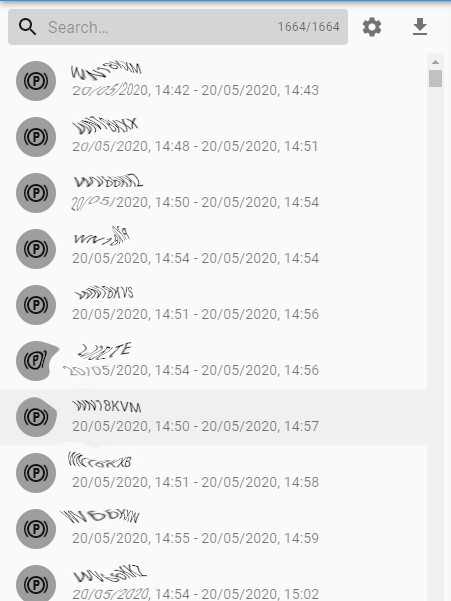
In this view there is a search bar, Settings toggle and Download option above the list of items. The search bar allows you to filter the list by searching on values contained in the list items which in the case of vehicle stops might be fleet number, team. The Settings toggle button shows and hides the Filters form, with options for Event, Vehicle and Last Driver, as well as Item Sort.
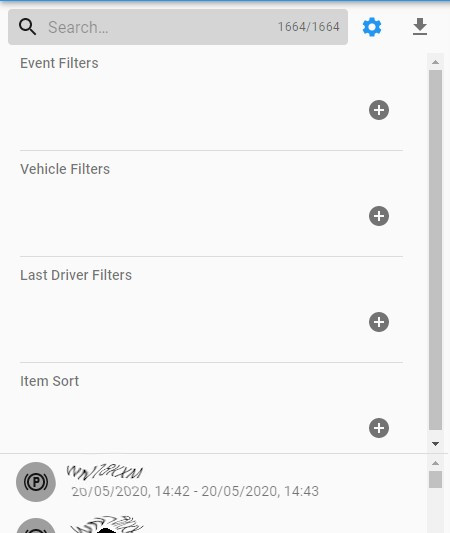
This allows you to perform further filtering on data that you have already retrieved.
The count in the search bar shows you how many items match the search term and/or the filter parameters you have added. This will update immediately, as will the list and the map.