Details Card
Clicking on an item on the list or on the map will select that item and replace the list view with a card with the details of the selected item.
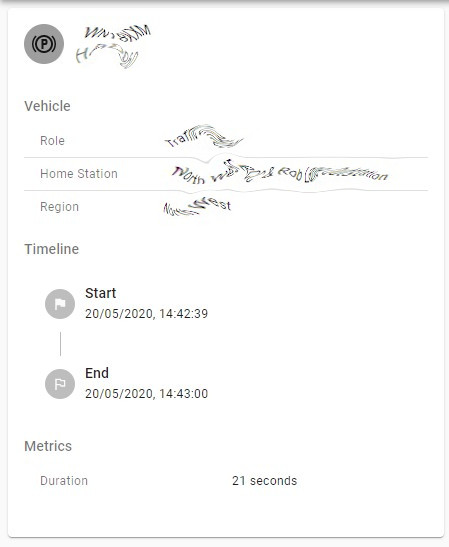
The contents of the detail cards varies according to the item type but if it is an event that is replayable then you will see a play button on the top right corner of the card.
In the case of areas, the details panel will show you a graph detailing where the selected area ranks in the list of all areas. The X axis shows you the percentile of the area and the Y axis shows you the value.