Sidenav
Overview
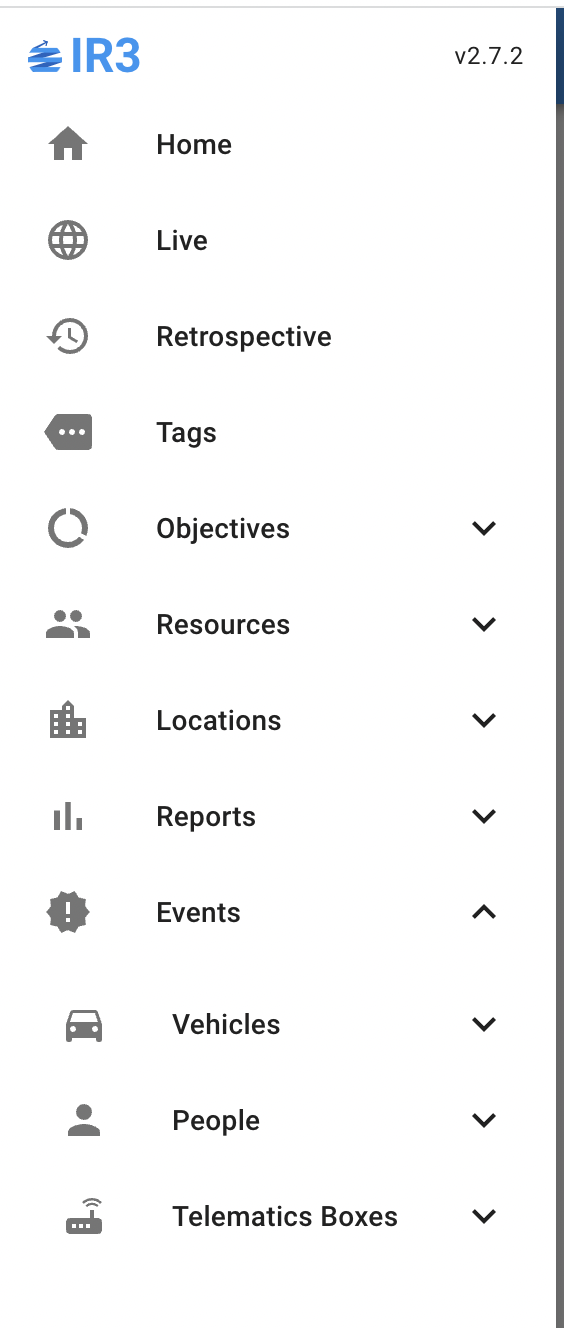
The sidenav is the main navigation control in the application. It can be accessed by pressing the menu button (otherwise known as the hamburger button) that’s located in the top left corner on most screens.

Menu Button
Note: The menu button will not be visible if the user is not logged in
New for IR3 version 2 is the Events page aimed towards bulk data extract for use in Excel etc. Some reports have been moved over to the Events page:
- Driving \ Speed Infractions, Accelerometer Events and Double Crews
- Telematics Boxes \ Outages
and some are new, such as:
- Vehicles \ Trips and Location Visits
- People \ Trails and Location Visits
Reports \ Vehicles \ Driver Behaviour as well as Objectives \ Attendances have been moved to Reports \ People.
Permissions
The visible items in the sidenav are determined by the permissions of the user.