Filters
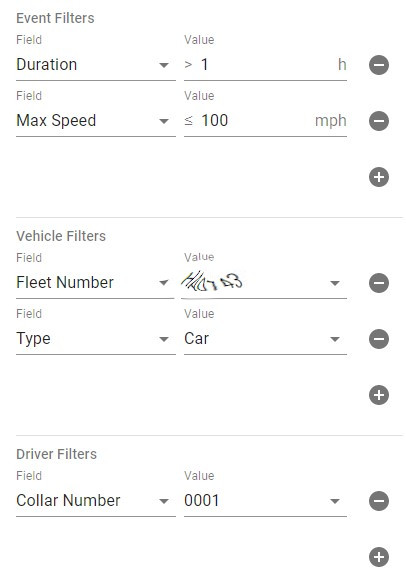
When you choose your source then additional filter sections should appear on the card. It will depend on the source but they will one or more of the following.
- Event
- Vehicle
- Driver / Person
- Incident
- Location
To add a new filter press the plus icon in the corresponding section. The controls that are presented are determined by value type of the field chosen. You will find an autocomplete field for long lists such as fleet numbers.
A drop down for short lists like vehicle types. A numeric filter for numbers which allow you to set an operation type of equals, greater than, less than and so on.
The final type is duration which also allows you to set the unit of the duration so you can specify 10 minutes or 24 hours as appropriate.
To remove a filter click on the minus icon next to it.
Once you have fully configured the layer then press the fetch button on the bottom right of the card to retrieve the data. When that is complete you should see a new button appear on the card showing the count of events.
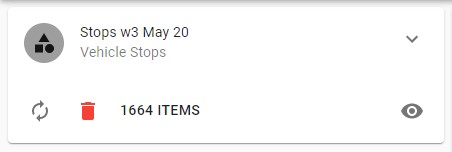
Click on the number of items to view the list.