App Bar
There are four buttons on the app bar to the left of the login icon for the Retrospective page.

From left to right they are;
- New - This creates a new retrospective
- Open - This allows you to open previously saved retrospectives
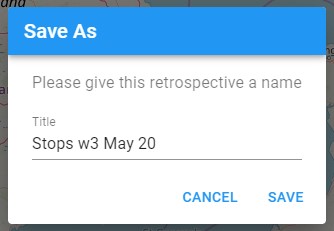
- Save - This allows you to save your current retrospective
- Fetch all - This will fetch or re-fetch the data for all the layers currently in your retrospective
Open will present you with a dialog allowing you to select previously saved retrospectives.
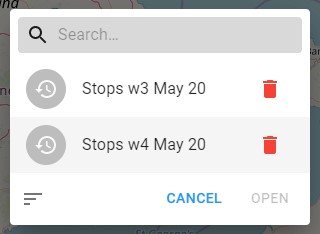
If you have many saved retrospectives then you can use the search bar at the top to filter the list. There is also the option to sort by Title, Last Edit or Created.
Press the red trash can icon at the side to delete any retrospectives that you no longer require.
Save also presents you with a dialog asking for you to set the name of the retrospective. If you wish to duplicate a retrospective then when saving choose a different name.