Telematics Boxes
Telematics Box List
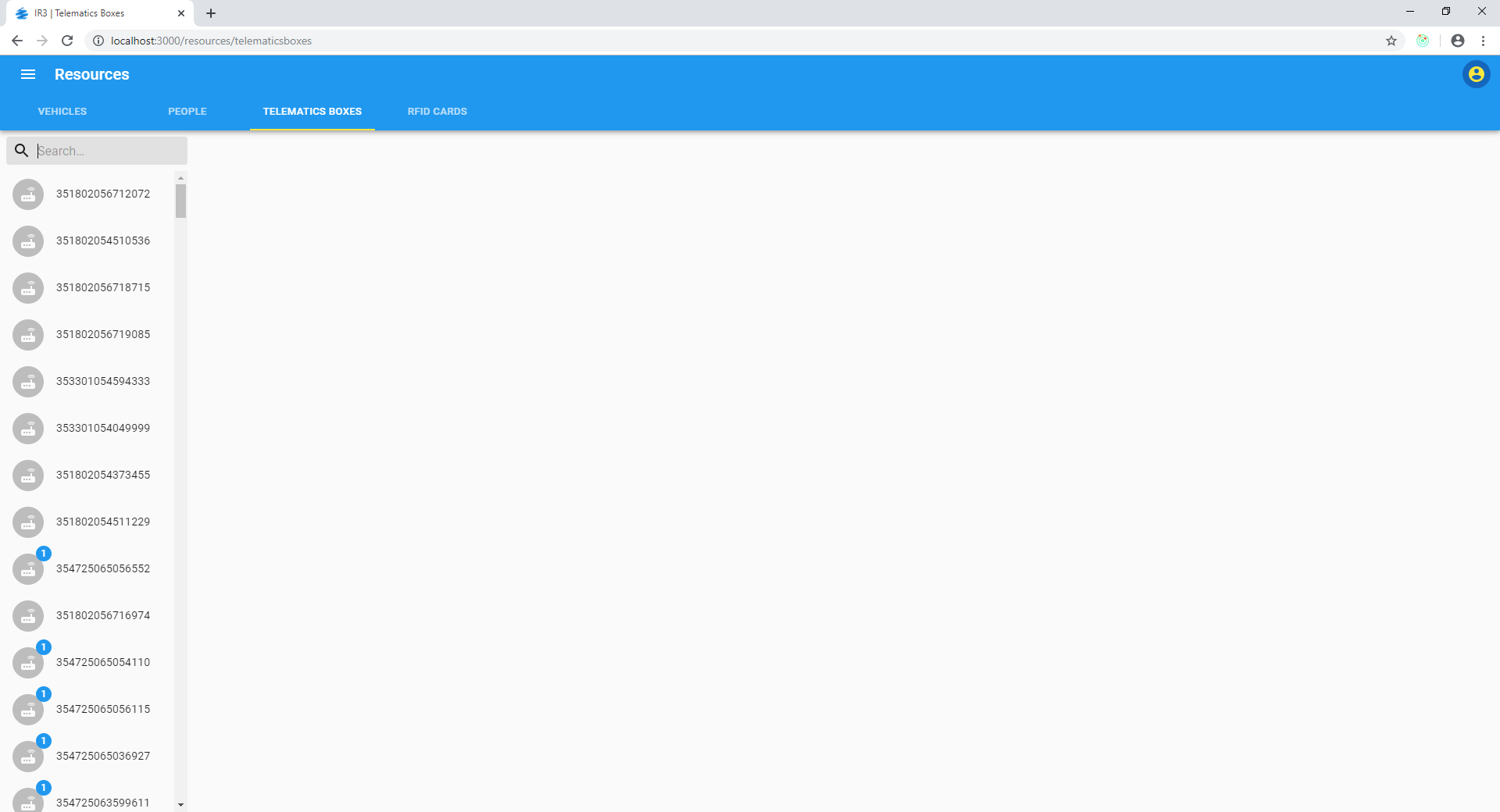
The list of boxes on the left of the page can be searched by typing part of the IMEI into the search box. Here 3 boxes that match "123" in any part of the IMEI are shown as results:
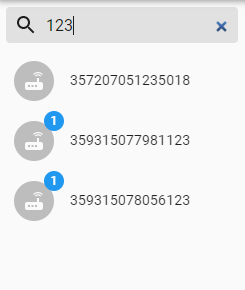
If a telematics box has an associated vehicle, it will have a 1 indicated next to its icon:
Individual Telematics Box View
Clicking on a telematics box from the list will navigate to the details for that particular telematics box:
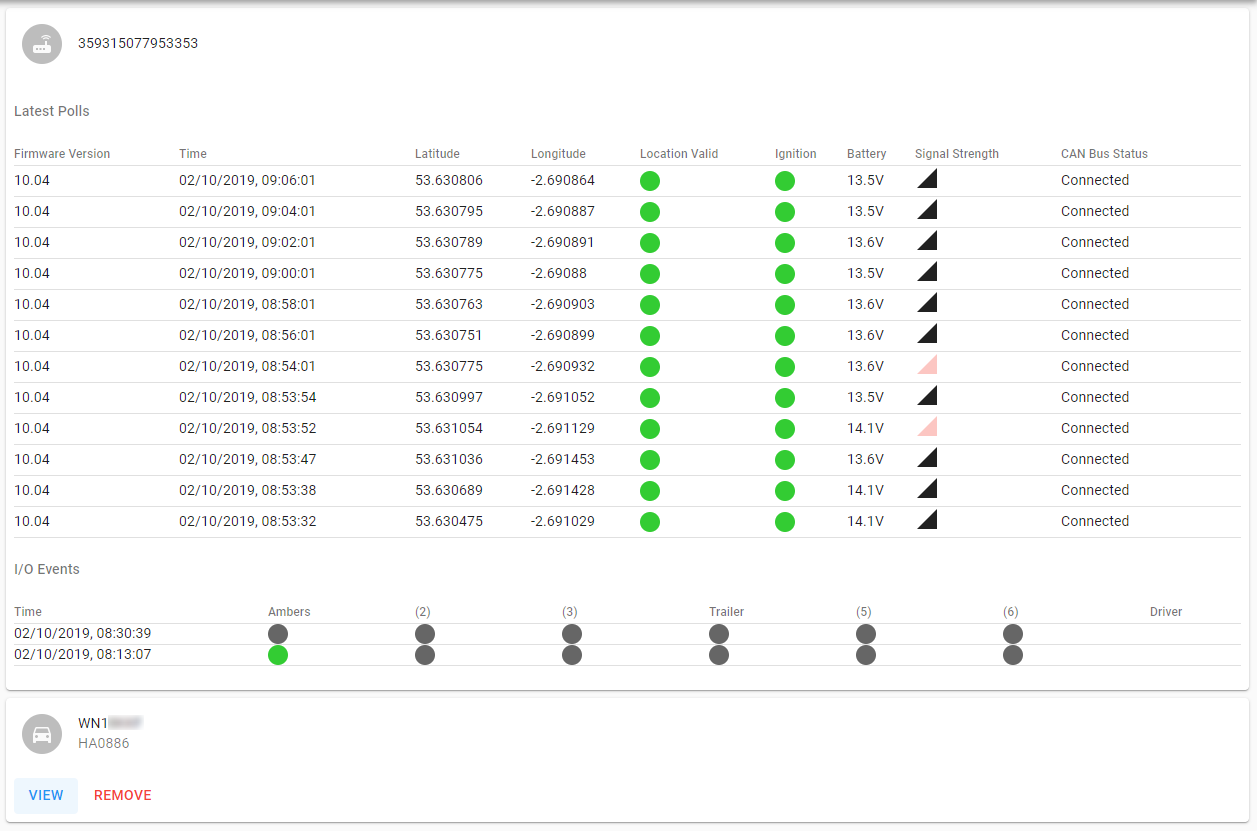
The details screen is updated in real-time and shows the most recent poll(s) and a list of the latest I/O events ordered by Time descending (most recent records at the top). (If the list doesn't update frequently it may be due to no recent updates being sent through e.g. the vehicle may be parked up with ignition off.)
The Latest Polls table shows for each poll:
- Firmware Version
- Time (of update)
- Location (latitude and longitude)
- Whether the location is considered valid or not (i.e. if there are sufficient satellites)
- Whether the ignition is on or off
- Battery voltage
- Signal strength
- CAN Bus Status which can be one of several values:
- Unknown
- Connected
- Bus Off
- Tester Detected
- Deactivated
- Not Connected
An I/O event happens when an input on the telematics box changes status, for example in the above image the Ambers input changes to off at 08:30:39, having previously been on at 08:13:07. I/O event types are configurable so you may see a different collection but the same principle applies; a green circle signifies an input is high (or on) and a dark grey circle signifies an input is low (or off).
Below the IO Events the associated vehicle is shown. Clicking on View will navigate to futher vehicle details.
Telematics boxes with more than one vehicle assignment
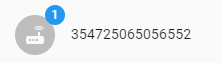
If a red badge with a number is displayed next to a telematics box in the list, it indicates that a telematics box is erroneously assigned to more than one vehicle and the number indicates how many vehicles are assigned. For example the following item in the list:
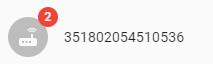
indicates that two vehicles are assigned to the telematics box with IMEI 351802054510536. If you click on this element for additional details you can see the two vehicles associated and remove one if necessary:
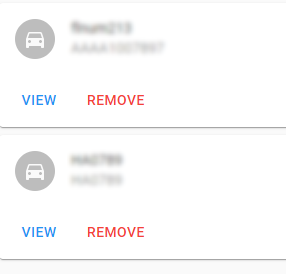
Typically this situation arises due to data import from external systems such as CSV import or Tranman. The issue may reoccur if the data at source are not rectified.